
I’m writing this on a 2020 MacBook Pro, which is hands down the worst computer I’ve ever owned. Its fan is in a constant state of panic due to overheating, which in turn reduces the CPU speed to a snail’s crawl.
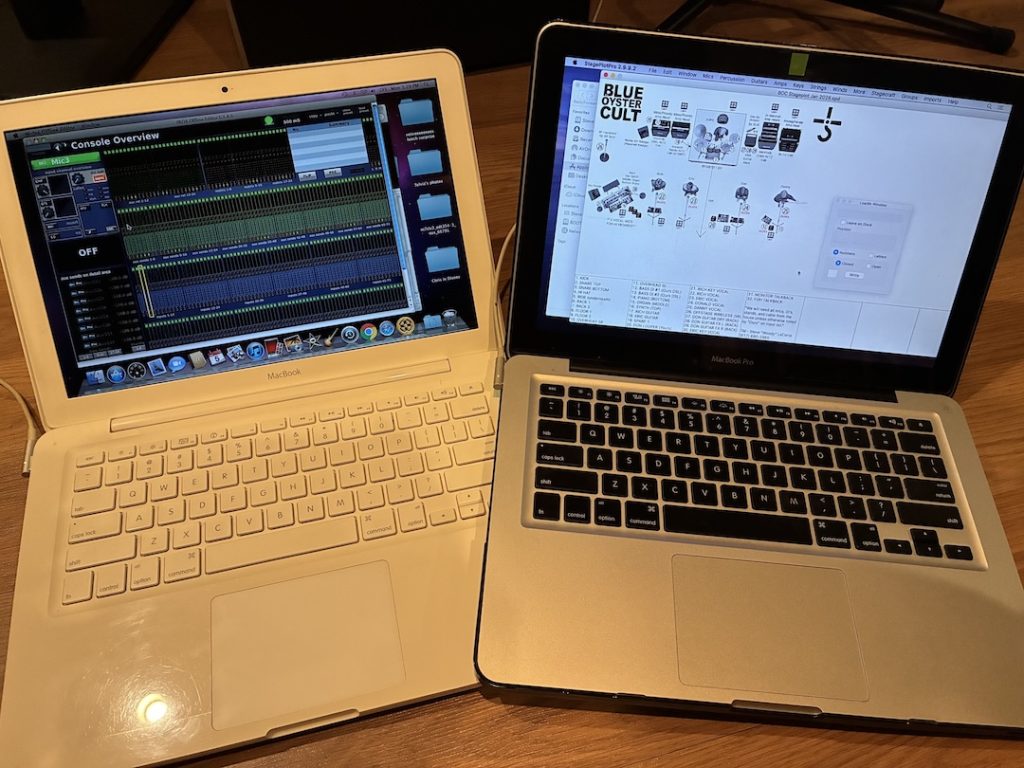
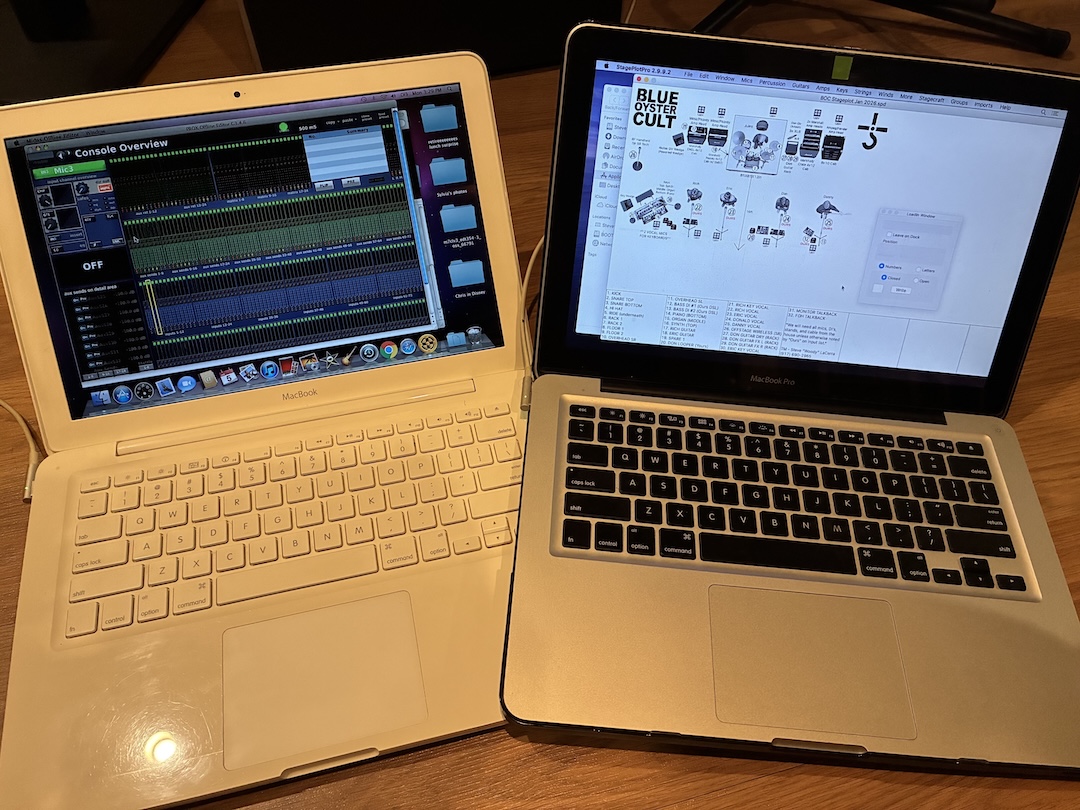
Alongside, I’m also running a now-15-year-old MacBook 7.1 with an Intel Core 2 Duo, a whopping 2GB RAM, and a 250GB hard drive. The Smithsonian called and asked if they could have it for their collection of Ancient Computing Artifacts, but I told them I was still waiting for them to pick up my PowerMac 8600. I’m kidding about the 8600, but not the 2020 MBP.
No doubt you wonder, “What is he doing with a 15-plus year-old MacBook?” Aside from the fun fact that the battery almost literally blew up under my hands while I was using it last year, it’s the only machine I still own that runs offline editing software for some older mixing consoles—for example, the Midas Pro 2/3/6/9/X. It also runs Yamaha Studio Manager, the offline editor for early Yamaha digital consoles such as the PM1D, PM5D (original flavor, not to be confused with the RIVAGE PM5) and the M7.
It’s true that I haven’t seen a PM1D in a dog’s age, but I mixed a few shows on the M7 this past year, and at least one or two on the PM5D in as many years. Say what you want about older digital console technology, but some of it is still out there cranking away. If I need to create an offline file for one of these desks, my newer machine is useless because the software has long been abandoned by the respective manufacturers and won’t run under later versions of macOS.
• Mix Blog: I Hate to Say “I Told You So…”
Similarly, I have another MacBook Pro from 2012 that runs other software that also resides firmly on the Isle of Misfit Toys but can still prove useful. Witness StagePlotPro, which sadly is no longer but is still my preferred way to create a (duh) stage plot. [Editor’s note: the website for SPP still exists, but is no longer being maintained.) This machine also runs Windows flawlessly, which I need to run an assortment of offline editors for DiGiCo consoles, as well as utilities for a variety of other audio gear.
I’ve been hesitant to trash these old machines because every once in a while, a situation comes up where I need to use an old app that isn’t supported on a newer computer. It’s the inevitable wheels of progress and nature of the beast: As CPUs evolve, so must the software, and sometimes a manufacturer doesn’t see it as cost-effective to rewrite old software for a new generation of CPU.
Discover more great stories—get a free Mix SmartBrief subscription!
So when will I be able to recycle these old artifacts? That’s a good question. Luckily, they’re relatively small so it’s not like I’m collecting cheese grater Mac Pros that take up tons of space and weigh enough to break through the floor. Old MacBooks fit nicely on a bookshelf, so I can set aside a bit of space where these old buggers can live for a few more years.
I did recycle that 8600, didn’t I?